
Can I publish under a pen name?
Yes. Create a pen name in your dashboard, then choose it under Author name when you publish. Readers see only that name, and each pen name gets its own author page on PubliRead.
Before you start
- Your plan sets how many pen names you can have: up to 3 on Free, 5 on Author Plus and 10 on Authorpreneur. See our plans.
- Pick the name before you submit. Once a book is published, it stays under that name.
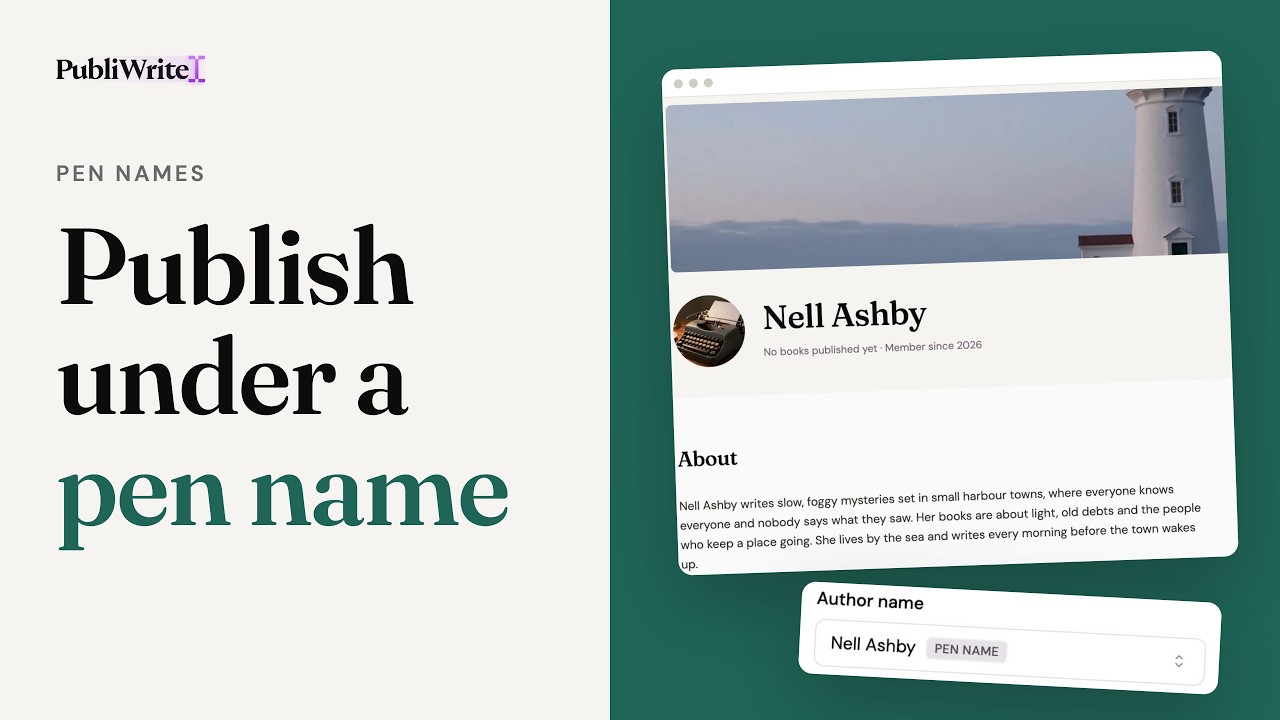
Prefer to watch? This short video guide walks through every step.
Steps
- In the sidebar, select Pen names, then Add a pen name.
- Enter the Pen name readers will see, a short Bio and a URL handle for the author page. Add a photo and links if you like.
- Select Save pen name.
- When you publish a book, open Author name in the Book details step, next to Language, and choose the pen name. Your names are tagged Main and Pen name.
Good to know
- All your names share one earnings balance and one payout setup.
- Your legal name is only used for payout and tax records, never on the book.
- You can edit a pen name's name, bio, photo and links at any time, and the change shows on every listing. Changing the URL handle changes the author page's address, so old links stop working.
- You can't delete a pen name once it exists.
- A pen name isn't a guarantee of anonymity. We don't link it to your other names, but readers can still recognise your style.
If something goes wrong
- Add a pen name says every pen name on your plan is in use. You've reached your plan's limit. Upgrade, or reuse a pen name you already have.
- There's no Author name option when publishing. It only appears once you have at least one pen name.
- The URL handle isn't accepted. Use only lowercase letters, numbers and dashes.
- You published under the wrong name. A book can't be moved to another name. Publish it as a new title under the right one, then archive the old one. See How do I unpublish or remove a book?
Related
Still stuck? Message us from the chat bubble and we'll help.
Updated on: 23/11/2026
Thank you!