
How do I leave or report a review?
To leave a review, sign in, open the book's page and tap Write a review in the Reviews section. To report someone else's review, tap the ⋯ button on it and choose Report review.
Before you start
You need a free PubliRead account and must be signed in. You can leave one review per edition of a book.
Leave a review
- Open the book's page and scroll to Reviews.
- Tap Write a review.
- Under Share your thoughts, set your star rating. It starts at 5 stars, so change it if that isn't your rating.
- Write your review in the box below. It can't be left empty.
- Tap Submit, then Yes to confirm.
Your review shows on the book's page straight away. If you paid for the book with the account you're signed in to, it carries a Verified purchase badge.
Change or delete your review
Your review sits in the Reviews section in a box labelled Your review, above everyone else's.
- Tap Amend review to edit it. Changes show straight away.
- Tap Delete review to remove it for good. You can write a new one afterwards.
Report a review
- On the review, tap the ⋯ button and choose Report review.
- Pick a reason: Spam or advertising, Offensive or hateful, Not about this book or Something else.
- Add a note if it helps (up to 500 characters) and tap Send report.

Our team checks the report, and nothing changes on the page until they have. Please report reviews that are abusive, spam or not about the book, not ones you simply disagree with.
Report a book
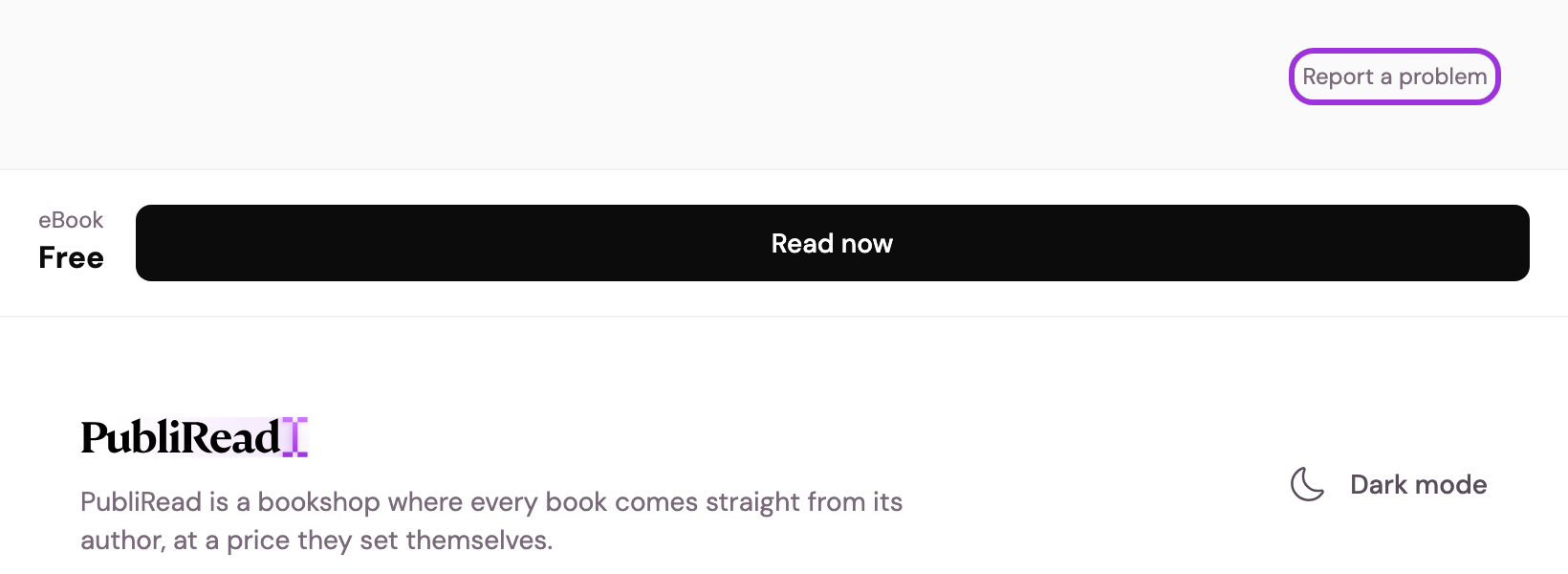
To flag a problem with the book itself, such as a wrong cover, a misleading description or a price that looks wrong, scroll to the very bottom of the book's page and tap the small Report a problem link. Describe what you noticed and tap Send report.
If something goes wrong
- Tapping Write a review asks you to sign in. Reviewing and reporting both need an account.
- There's no Write a review button. You've already reviewed this edition. Amend your review instead.
- Your review is marked "Hidden" and has no Amend review link. Our team has taken it off the book's page. You can still delete it, or message us if you think we got it wrong.
Related
Still stuck? Message us from the chat bubble and we'll help.
Updated on: 23/11/2026
Thank you!